Julia Beitel

Prototype walkthrough

HomeGreens

AI-Driven Gardening Platform

  • UI/UX design
  • User research
  • Usability testing
  • Interactive prototyping
  • Data visualization

Problem

People want to grow their own food, but the knowledge and tools are scattered, and general AI chatbots forget your garden between chats and never remind you when to act.

Outcome

A mobile prototype tested with 30+ people, shaped by research with Brooklyn community gardens, with 60+ waitlist sign-ups.

My role
Sole UI/UX designer. Led user research with Brooklyn community gardens and usability testing, and designed and prototyped the full app.
Team
Rishabh Patel, Juan Camilo Prieto, Soumya Duriseti
Courses
Product Studio & Startup Studio, Fall 2025 – Spring 2026

One app for the whole gardening journey
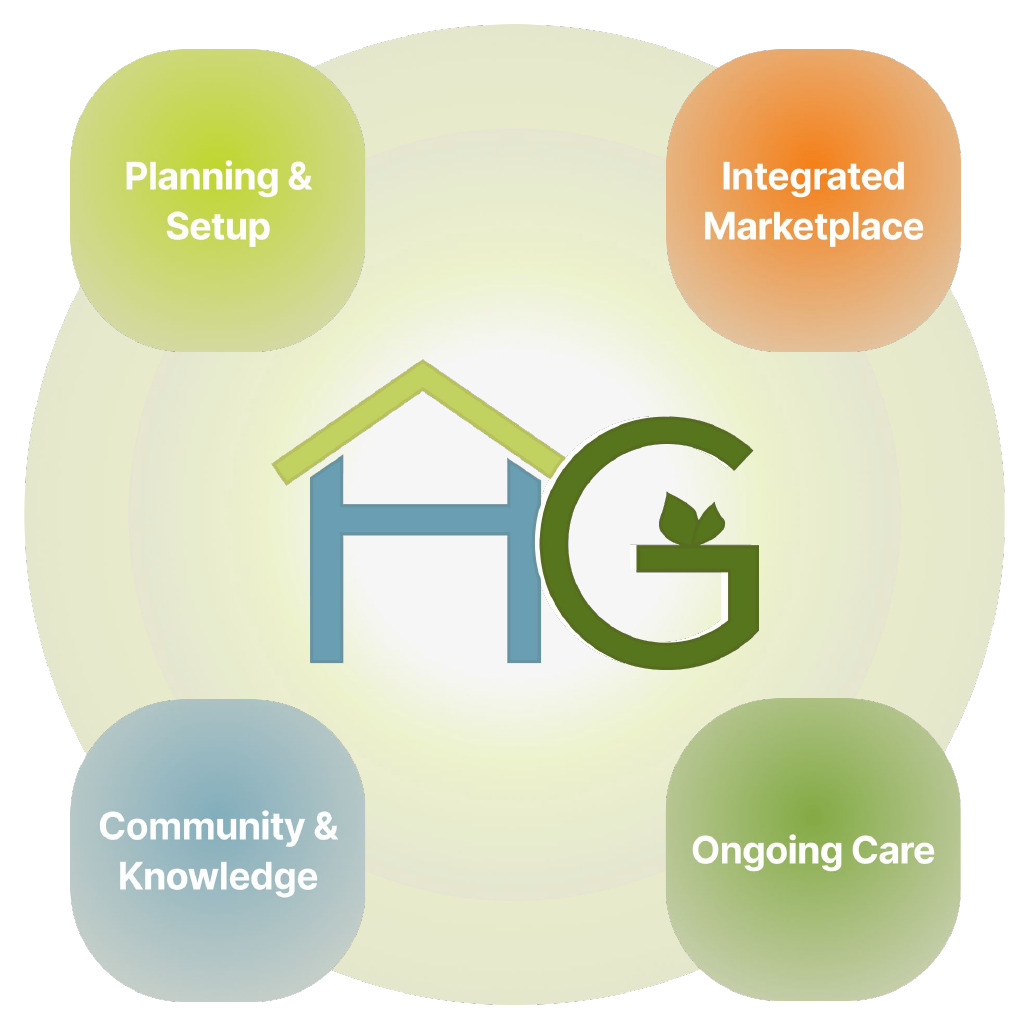
HomeGreens product diagram: Planning & Setup, Integrated Marketplace, Ongoing Care, and Community & Knowledge around the HomeGreens logo
Planning, shopping, care and community in one personalized app.

How I designed it

  1. 01

    Research

    Interviewed gardeners at Brooklyn community gardens.

    User research

  2. 02

    Prototype

    Built a clickable mobile prototype.

    UI/UX design, prototyping

  3. 03

    Test

    Usability tested with 30+ people.

    Usability testing

  4. 04

    Redesign

    Reworked planning, care and community from the findings.

    Iteration

From first to final prototype

What testing the first prototype showed

“Everybody forgets to water.”

Care reminders were the most valued feature.

“Why isn't my tomato flowering?”

Troubleshooting was the most-wanted missing feature.

Gardens aren't grids

Mixed sun and irregular plots broke the fixed grid.

→ Planning moved from a grid to a list

Local beats big-box

Gardeners preferred local sources for purchasing supplies.

→ Marketplace removed for now

First prototype
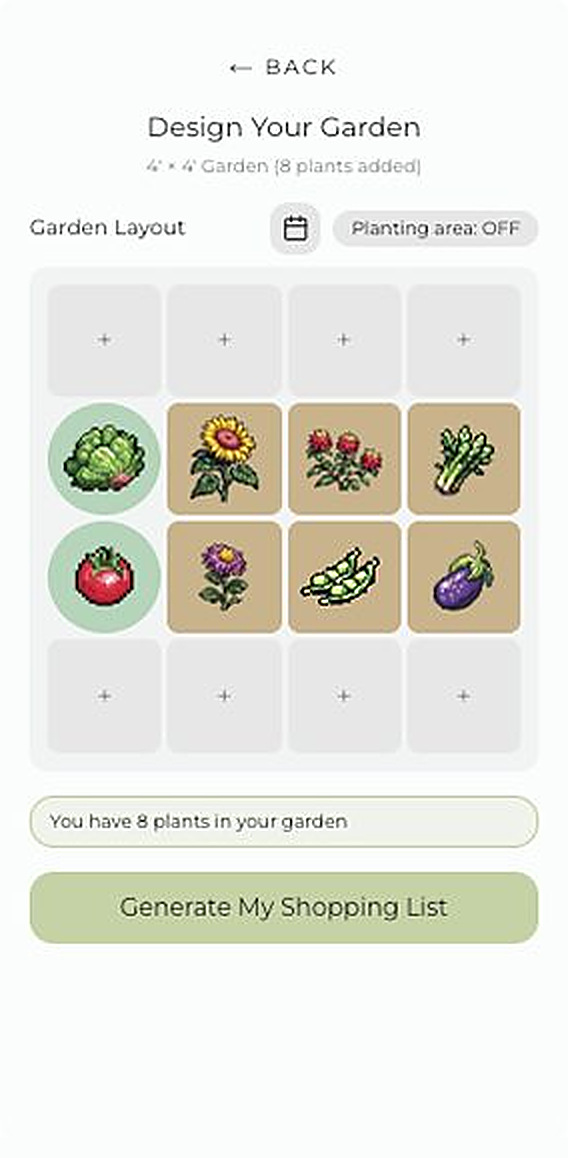
First prototype: a fixed 4 by 4 garden grid with one plant per square
Fixed planting grid
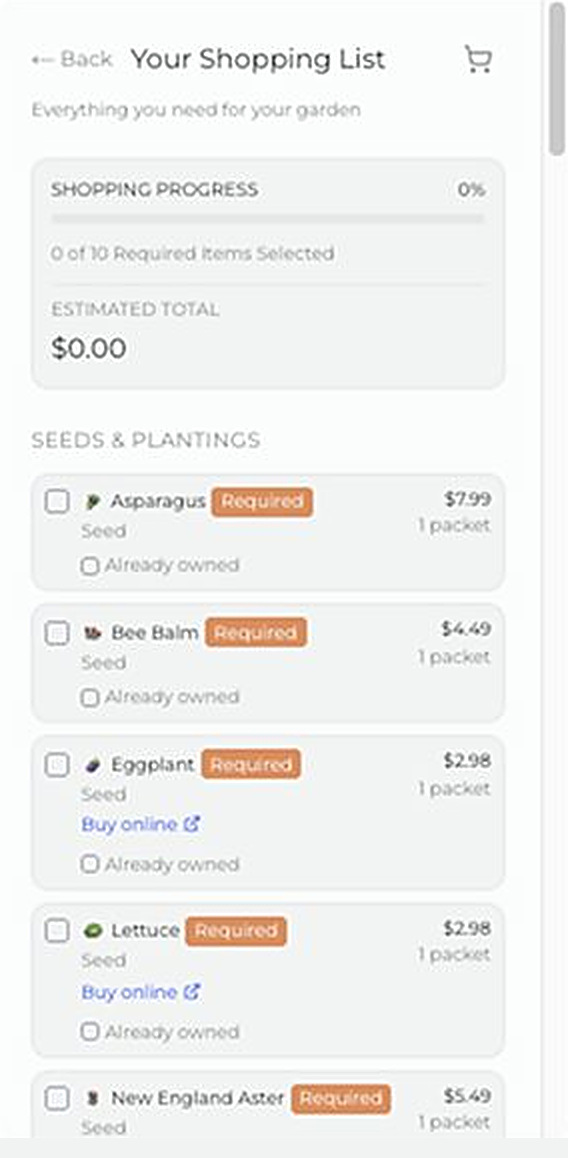
First prototype: a shopping list where each item is checked off by hand
Manual shopping list

Final prototype

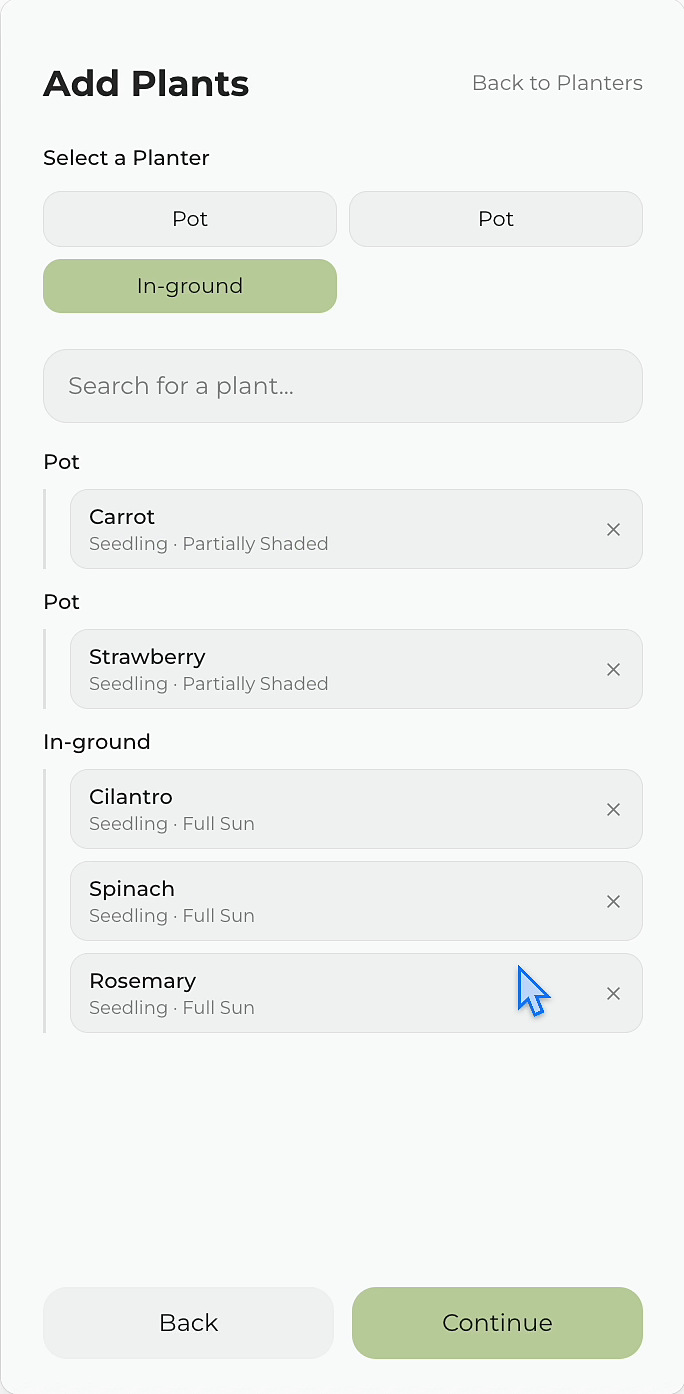
Final prototype: plants added by planter, each with its own growth stage and sun exposure
Plants added by planter, with sun set per plant
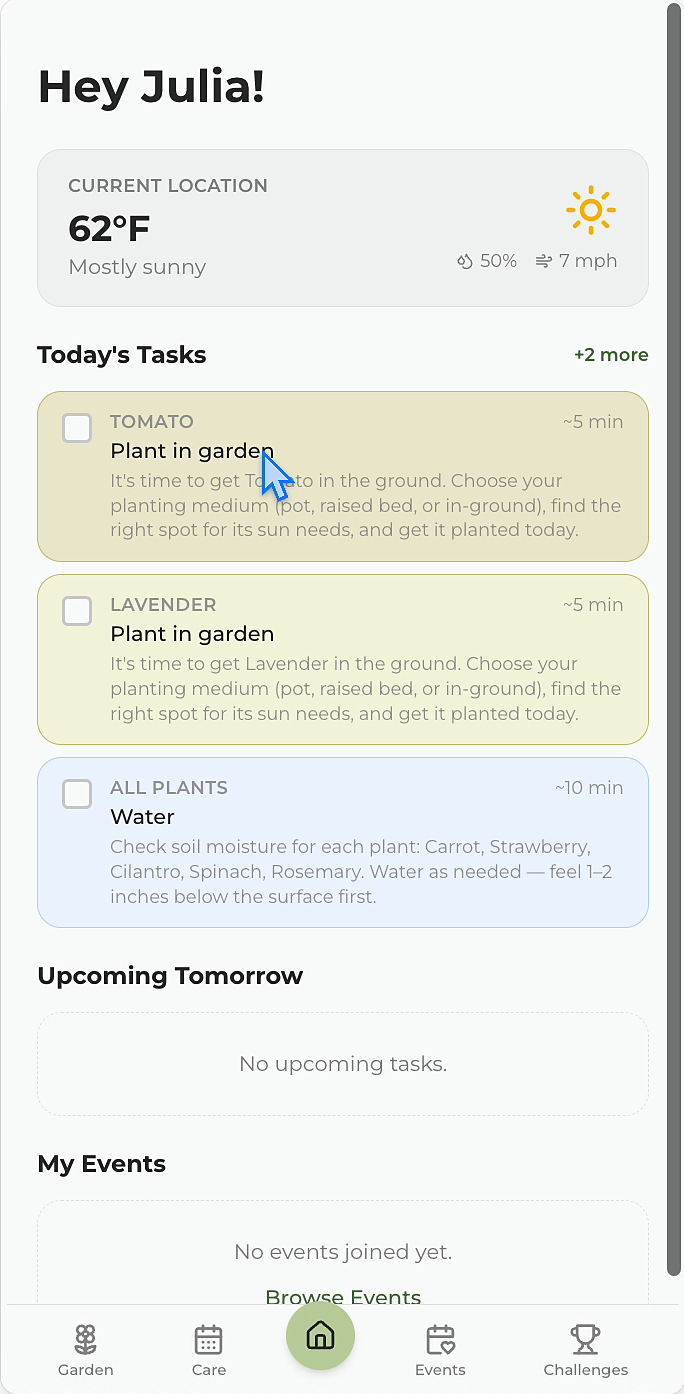
Final prototype: home screen with local weather and today's care tasks
Today's care tasks and local weather data integration
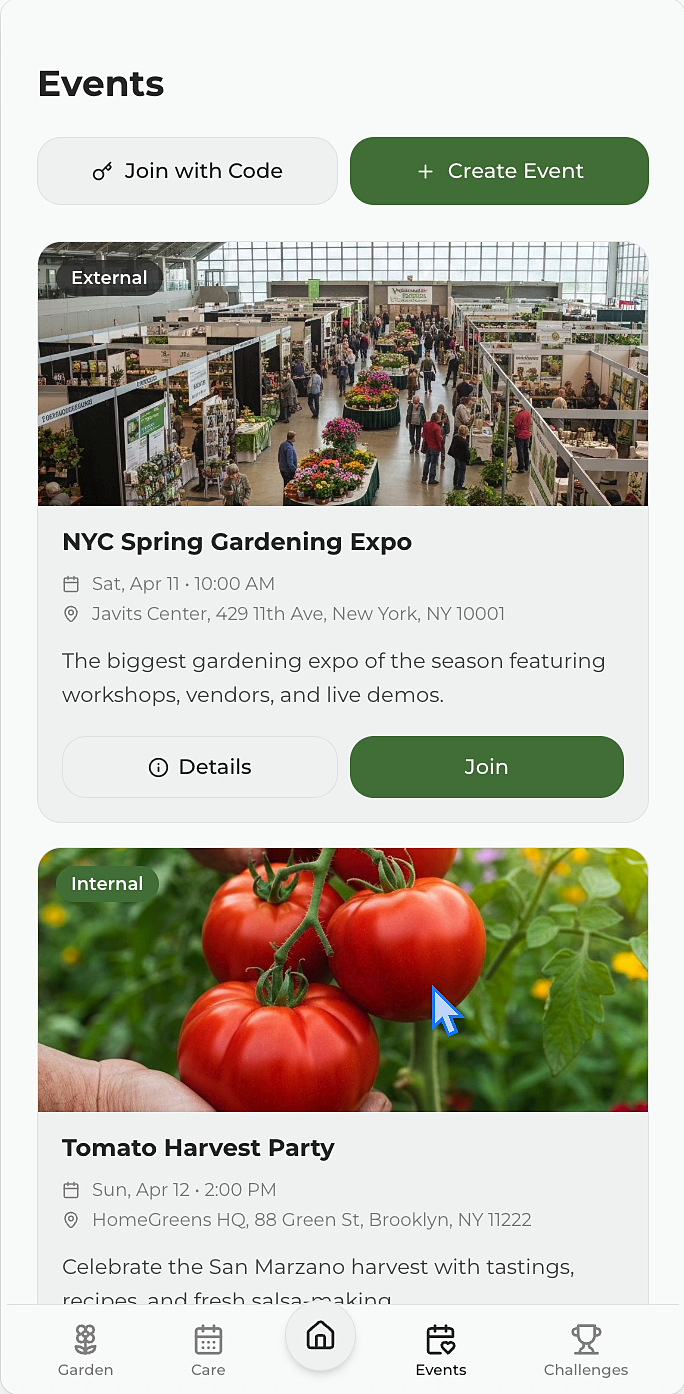
Final prototype: local gardening events, including an expo and a harvest party
Local events

Outcome

30+

individuals in usability testing
(homeowners and community gardeners)

60+

waitlist sign-ups

Dec 2025

selected for and presented at Cornell Tech Presents: Builders & Disruptors in the AI Era (event recap)

Visual assets

Plant icon set
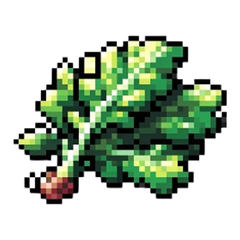
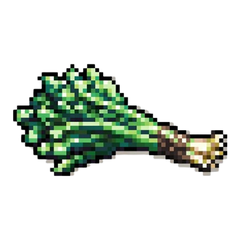
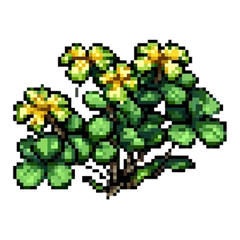
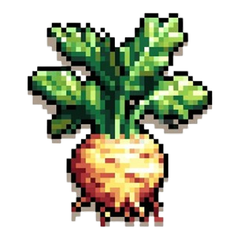
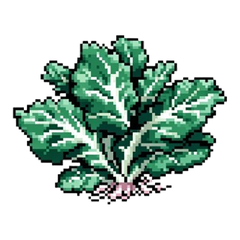
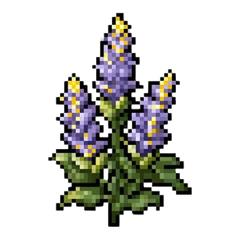
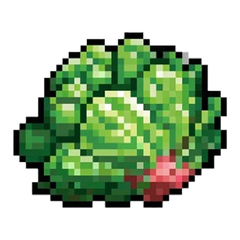
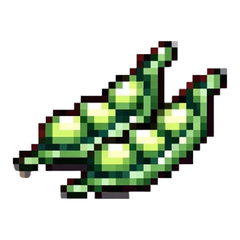
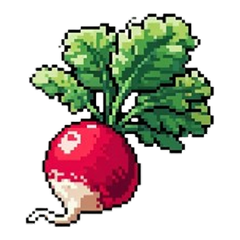
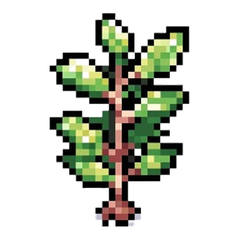
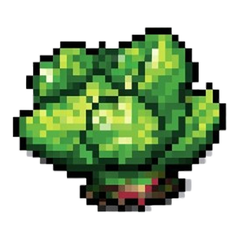
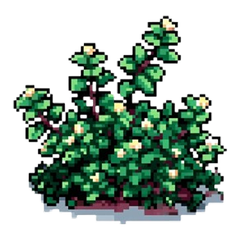
40 pixel-art plant icons I created with Midjourney for our plant dataset, which we researched for New York State and Brooklyn growing conditions, including native plants.

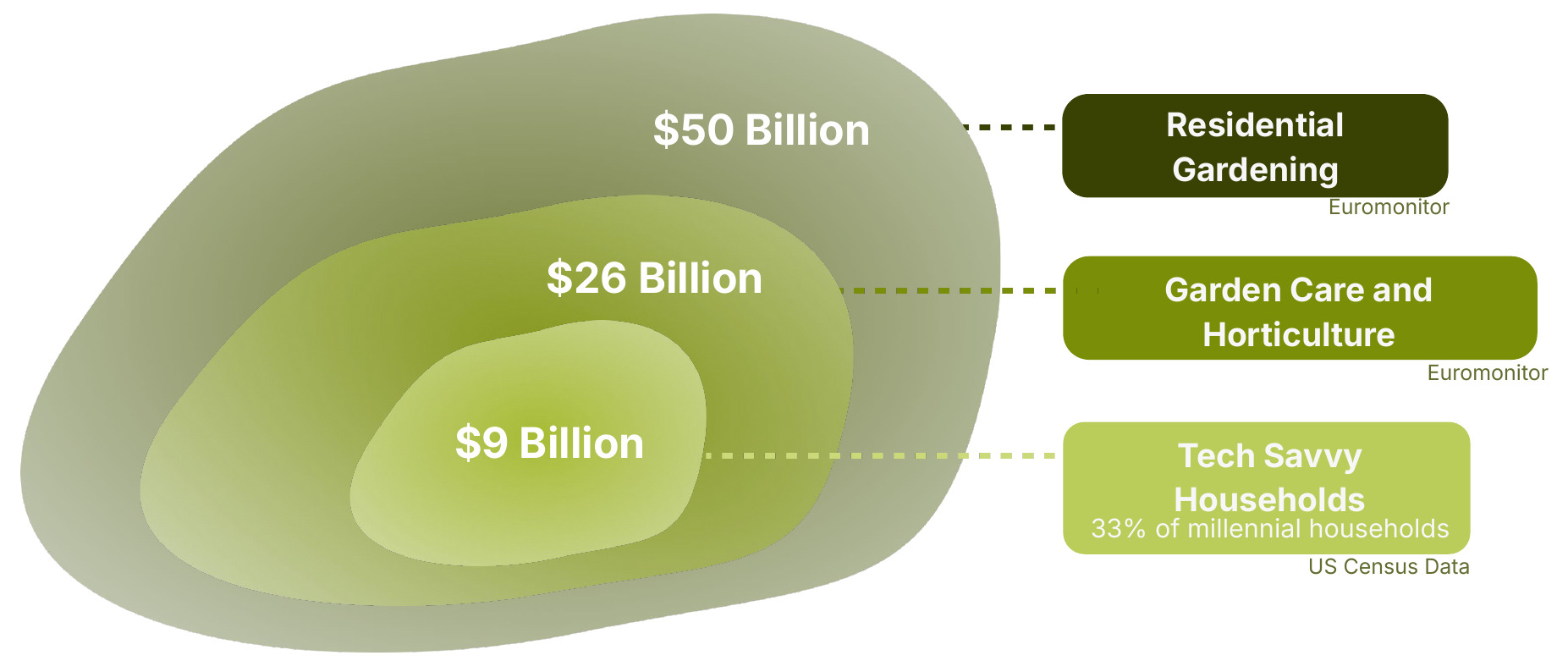
Top-down market sizing chart: $50 billion residential gardening, $26 billion garden care and horticulture, $9 billion tech-savvy households
Market sizing TAM graphic I designed for our pitch.
Julia Beitel

HomeGreens

AI-Driven Gardening Platform

Prototype walkthrough

Team
Rishabh Patel, Juan Camilo Prieto, Soumya Duriseti
Courses
Product Studio & Startup Studio, Fall 2025 – Spring 2026
  • UI/UX design
  • User research
  • Usability testing
  • Interactive prototyping
  • Data visualization

Problem

People want to grow their own food, but the knowledge and tools are scattered, and general AI chatbots forget your garden between chats and never remind you when to act.

Outcome

A mobile prototype tested with 30+ people, shaped by research with Brooklyn community gardens, with 60+ waitlist sign-ups.

My role

Sole UI/UX designer. Led user research with Brooklyn community gardens and usability testing, and designed and prototyped the full app.

One app for the whole gardening journey

HomeGreens product diagram: Planning & Setup, Integrated Marketplace, Ongoing Care, and Community & Knowledge around the HomeGreens logo
Planning, shopping, care and community in one personalized app.

How I designed it

  1. 01

    Research

    Interviewed gardeners at Brooklyn community gardens.

    User research

  2. 02

    Prototype

    Built a clickable mobile prototype.

    UI/UX design, prototyping

  3. 03

    Test

    Usability tested with 30+ people.

    Usability testing

  4. 04

    Redesign

    Reworked planning, care and community from the findings.

    Iteration

From first to final prototype

What testing the first prototype showed

“Everybody forgets to water.”

Care reminders were the most valued feature.

“Why isn't my tomato flowering?”

Troubleshooting was the most-wanted missing feature.

Gardens aren't grids

Mixed sun and irregular plots broke the fixed grid.

→ Planning moved from a grid to a list

Local beats big-box

Gardeners preferred local sources to Home Depot links.

→ Marketplace removed for now

Version 1 · Before testing

First prototype

First prototype: a fixed 4 by 4 garden grid with one plant per square
Fixed planting grid
First prototype: a shopping list where each item is checked off by hand
Manual shopping list

Version 2 · After testing

Final prototype

Final prototype: plants added by planter, each with its own growth stage and sun exposure
Plants added by planter, with sun set per plant
Final prototype: home screen with local weather and today's care tasks
Today's care tasks and local weather
Final prototype: local gardening events, including an expo and a harvest party
Local events

Outcome

30+

individuals in usability testing
(homeowners and community gardeners)

60+

waitlist sign-ups

Dec 2025

Selected for Cornell Tech Presents: Builders & Disruptors in the AI Era (event recap)

Visual assets

Plant icon set
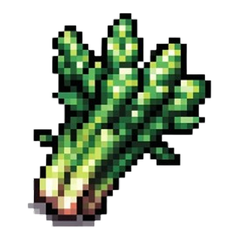
40 pixel-art plant icons I created with Midjourney for our plant dataset, which we researched for New York State and Brooklyn growing conditions, including native plants.

Top-down market sizing chart: $50 billion residential gardening, $26 billion garden care and horticulture, $9 billion tech-savvy households

Market sizing TAM graphic I designed for our pitch.